Scan-to-BIM for Facility Management
Facility managers depend on accurate as-built data more than anyone else in a building’s lifecycle, yet they typically inherit the least reliable documentation. Scan-to-BIM converts a laser scan of the building as it exists today into an FM-ready model with structured COBie asset data, so maintenance teams work from reality instead of outdated drawings.
Why Facility Management Needs Accurate As-Built BIM Models
Design and construction drawings describe what a building was intended to be. What actually gets built rarely matches those drawings exactly: walls shift during construction, MEP routes get rerouted around clashes, and renovations over the years are documented inconsistently, if at all. Facility managers work against that gap every day: locating a valve, planning a retrofit, responding to a leak, or estimating a renovation all depend on knowing the real geometry and real asset data of the building, not the design-phase assumption.
An as-built BIM model, captured from a laser scan of the building as it exists today, closes that gap once, at a known level of accuracy, instead of forcing every future maintenance task to rediscover it from scratch.
Common Problems Without As-Built Documentation
Without accurate as-built data
- •Crews spend time on-site just locating equipment before any work starts
- •Retrofit planning starts from outdated drawings, so estimates carry hidden risk
- •Asset data lives in spreadsheets or institutional memory, not a queryable model
With an FM-ready BIM model
- ✓Equipment location and access are checked before a crew is dispatched
- ✓Retrofit scope is planned against real geometry, reducing surprises
- ✓Asset data is structured and ready to feed a CMMS or CAFM system
How VMTS Delivers FM-Ready BIM Models
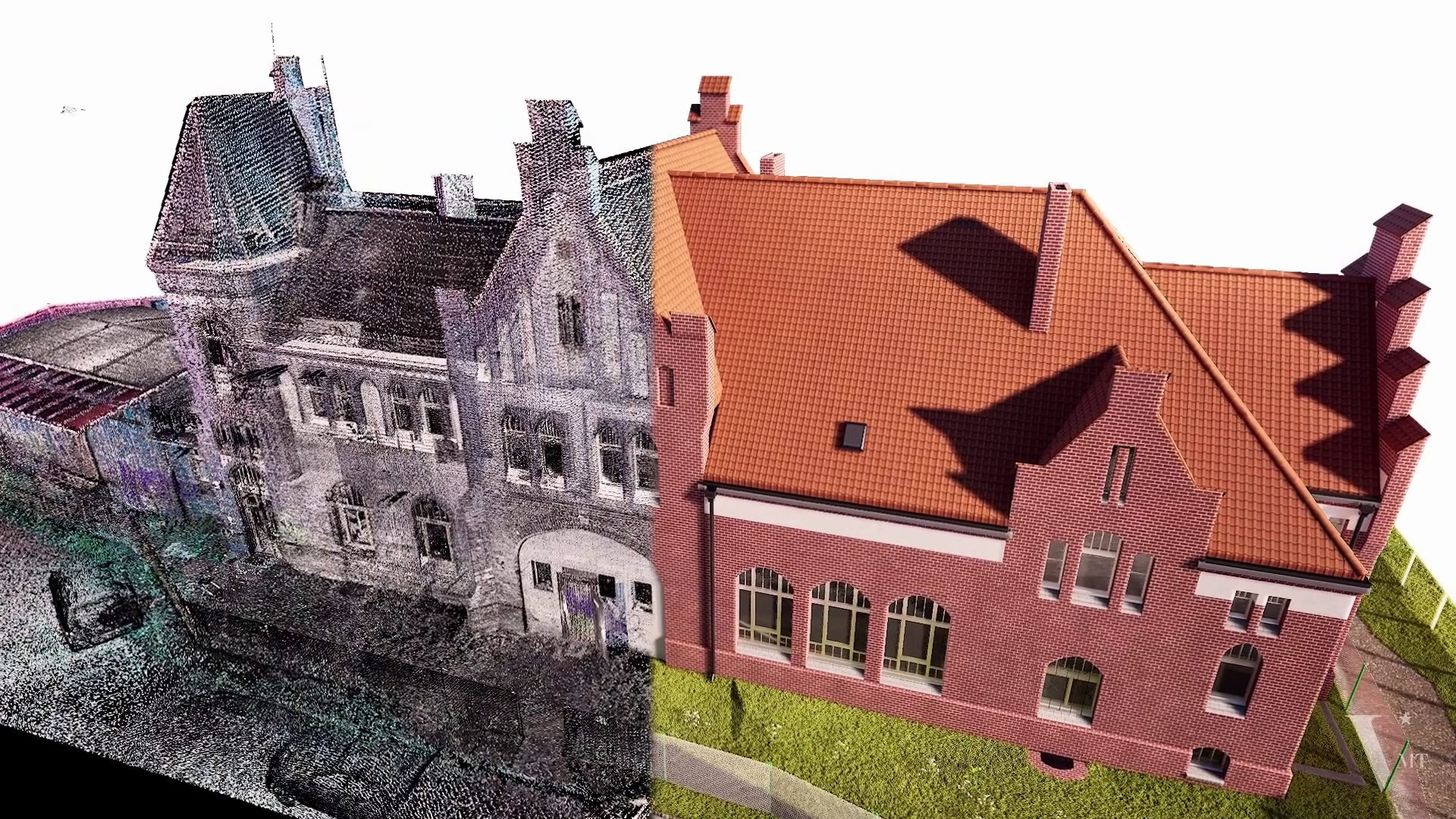
VMTS (VMT Solutions Co., LTD), based in Ho Chi Minh City and serving facility teams across the DACH region and beyond, builds FM-ready models the same way any accurate Scan-to-BIM project starts: a terrestrial laser scan of the building, registered into a single point cloud, modeled natively to the agreed Level of Detail. What makes a model specifically usable for facility management is what happens after the geometry is in place: the asset data that maintenance teams actually query day to day.
- Native BIM geometry modeled from the point cloud in Revit, Archicad, Allplan, or Vectorworks, to the LOD your FM workflow needs (see our LOD matrix for what’s realistic per component group)
- Structured asset data attached to modeled elements: equipment type, manufacturer, model number, and other parameters your CMMS/CAFM system needs, where the source data is available
- Space and zone data for area management, occupancy planning, and space-related reporting
- A documented QC pass against the source point cloud, so the model’s accuracy is verifiable, not just assumed
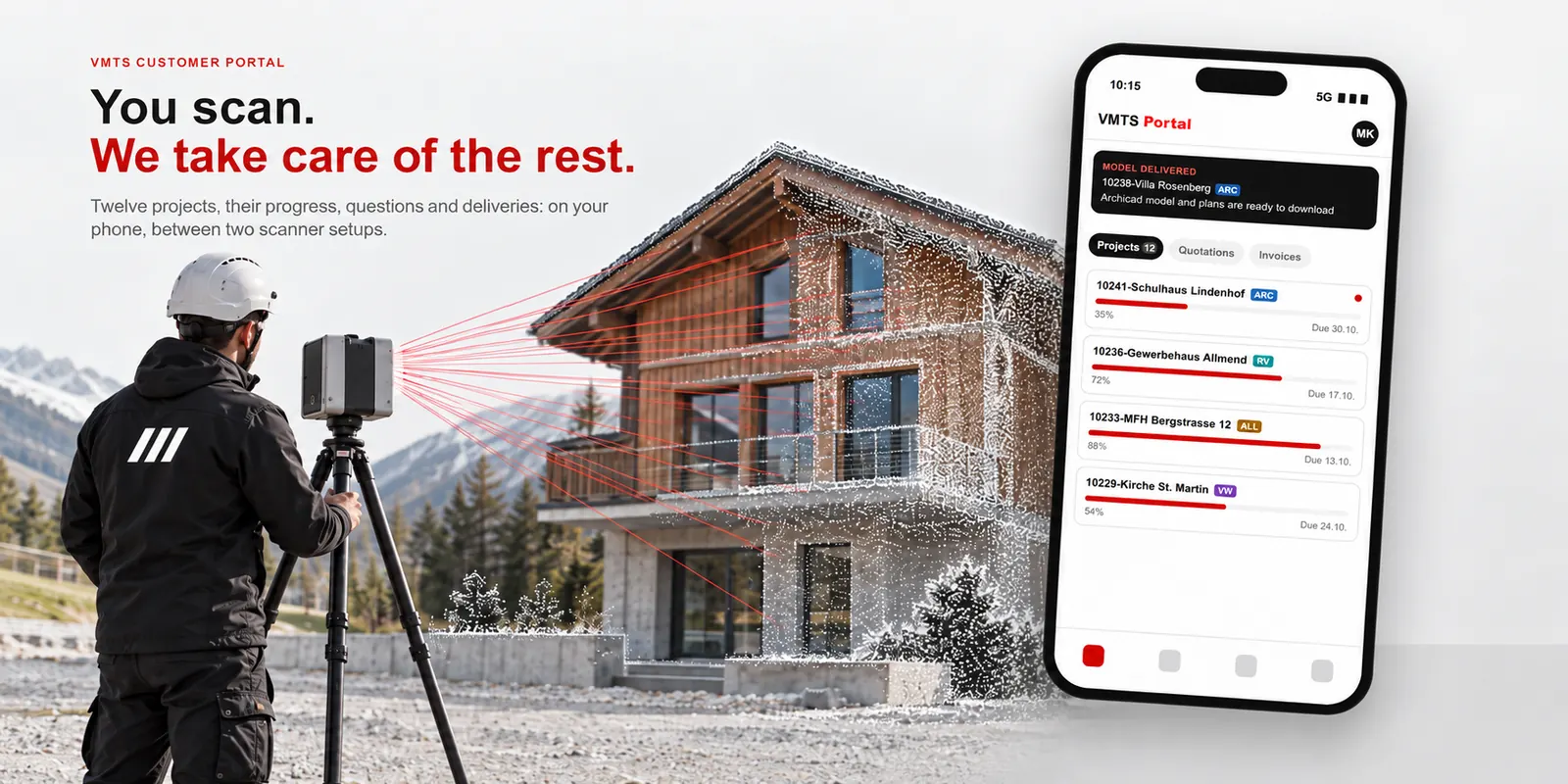
You scan, we support all downstream services, from point clouds to native BIM models.
IFC and COBie Deliverables for FM Workflows
Most CMMS and CAFM platforms don’t read native Revit, Archicad, or Allplan files directly; they consume open, structured formats (see our IFC, COBie, and ISO 19650 guide for how these formats differ). VMTS delivers the native BIM file for ongoing editing and coordination, alongside IFC and COBie exports on request, so the model can be handed off to whatever FM software your team runs, without being locked into a single authoring platform.
Why this matters
COBie (Construction Operations Building Information Exchange) packages non-graphical asset data, equipment, spaces, attributes, into a format built for handover to FM systems. A model without it is often geometry-only: useful for visualization, but not directly queryable by a CMMS without manual re-entry of the same data.
ROI: Reducing Maintenance Cost With Accurate BIM
The clearest independent evidence for the cost of poor as-built data comes from a 2004 U.S. National Institute of Standards and Technology (NIST) study, still widely cited in the AEC/FM industry today. It estimated the capital facilities industry lost $15.8 billion annually to inadequate interoperability, incompatible or missing data between project phases, and found that building owners and operators absorbed $10.6 billion of that total, concentrated in the operations and maintenance phase. That study is two decades old, but the underlying dynamic hasn’t changed: the operations and maintenance phase is where poor documentation costs the most, because it’s the longest phase of a building’s life. An accurate, structured as-built model doesn’t eliminate that cost, but it addresses it directly, by giving FM teams a single, verified source of truth instead of forcing them to rediscover the building’s real condition on every work order.
Case Study: Digital Twin for Facility Maintenance
Project Reference: VMTS
Staatsbibliothek zu Berlin, Germany
Scan-to-BIM for facility documentation, with bgis Kreative Ingenieure GmbH, 2025
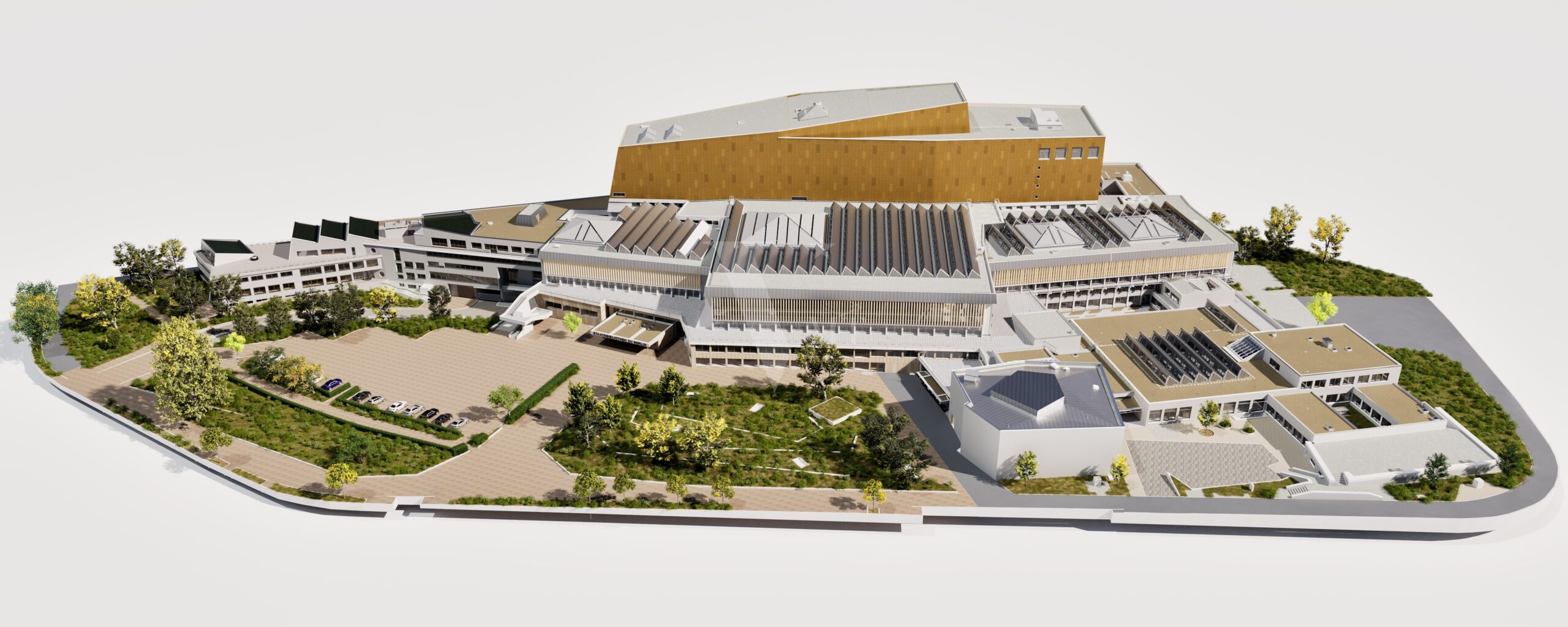
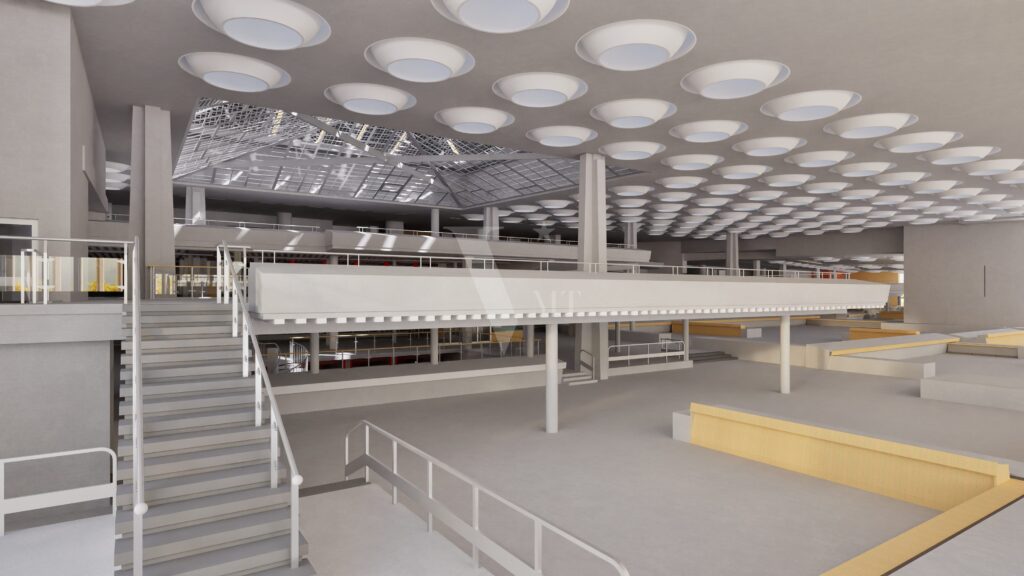
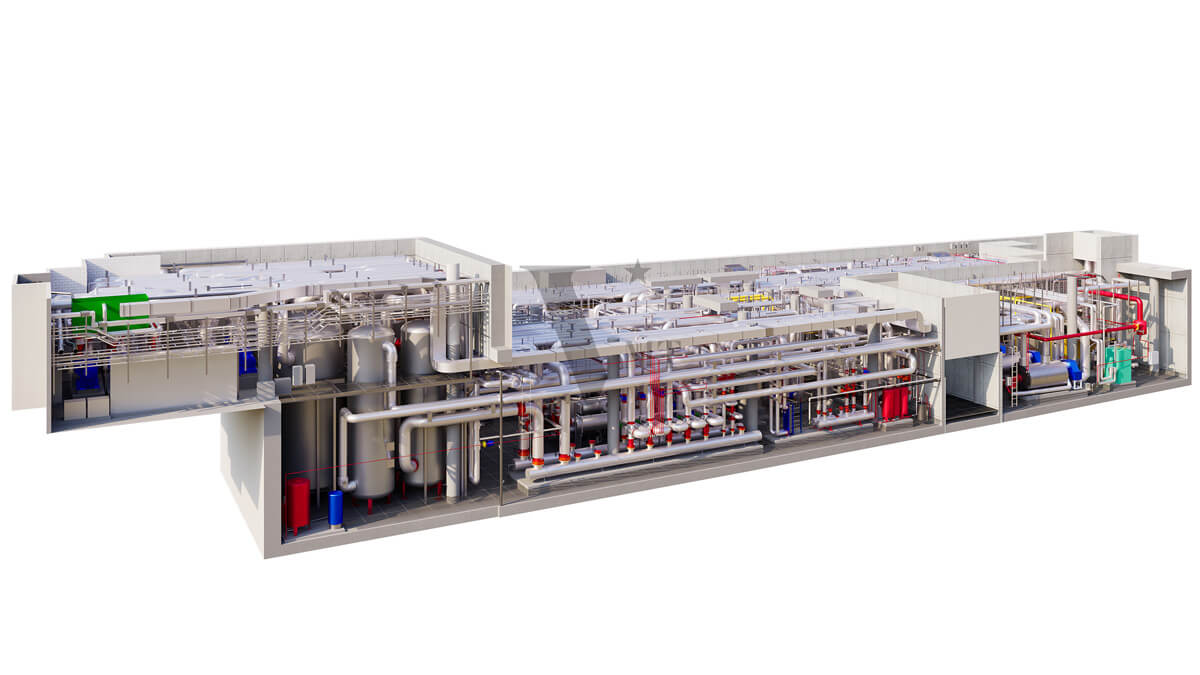
VMTS delivered a precise LOD 300 BIM model of the entire 170,000 m² Staatsbibliothek zu Berlin, working with bgis Kreative Ingenieure GmbH, giving the facility team a single, verified as-built reference for a building of this scale instead of fragmented legacy drawings.
Read the full case study: State Library Berlin Scan to BIM.
“An FM-ready model is not just geometry: it’s geometry your maintenance team can actually query, on day one.”
Frequently Asked Questions
What LOD is needed for a facility management BIM model?
LOD 300 is the practical standard for most FM use cases: accurate enough for space planning, maintenance access, and renovation scoping. LOD 400 is only needed where fabrication-level detail matters, such as complex MEP coordination.
Does an FM-ready BIM model need to include COBie data?
Not always, but it’s strongly recommended if the model will feed a CMMS or CAFM system. Without a structured export like COBie, asset data typically has to be re-entered manually, which defeats much of the purpose of having a digital model.
Can Scan-to-BIM be used for an existing building with no current drawings?
Yes, this is one of the most common reasons facility owners commission Scan-to-BIM. A laser scan captures the building as it exists today, independent of whether original design drawings exist, are accurate, or have been lost.
What file formats does VMTS deliver for FM use?
The native BIM file (Revit, Archicad, Allplan, or Vectorworks) is always included. IFC and COBie exports are available on request, so the model can be used in whatever CMMS/CAFM platform your facility team runs.
Work with VMTS
Need an FM-ready as-built model of your facility?
Describe your building and FM system, and we respond within one business day with an initial assessment.
Nguyen Huynh (Rainer)

About the Author:
Nguyen Huynh (Rainer) is Managing Director at VMT Solutions, specializing in Point Cloud to BIM workflows for surveying, planning, and engineering offices. He focuses on precise BIM models, clearly defined quality standards, and long-term technical partnerships.
Share This Story!
Related Posts

Recent Posts



We are proud to have
satisfied customers.

 Gerd Gindullis, Lecturer for digital as-built data capture at Aachen University of Applied Sciences, TerraMeta 3D Laser Service
 Stefan Schramm, Architekt Stefan Schramm
„Your plans are perfect; I’ve never seen anything like this before. These are drawings of the highest quality, I must say. I want to express my sincere thanks once again for your work.“
 Endre Szokolai, Digitalplan-Szokolai
VMT modeled a large industrial building in 3D for our research project. We provided DWG plans to VMT, and they delivered a highly detailed model, including the building envelope, interior walls, openings, and stairs. We had previously contracted a German company for the same object, but unfortunately, it didn’t work out. I was relieved and pleased that VMT handled it so reliably. Thank you for the excellent work and the truly fair price!

Very reliable company, courteous staff, and top-quality work. Our plans were created quickly and accurately. Thank you for that. Highly recommended.

Excellent advice and high 3D modeling quality at a great price-performance ratio… What more could you want? I can highly recommend them…