Key takeaway: If your goal is quick documentation for permits, tendering, or basic layout coordination, Scan to CAD is often enough. If you need a structured model for multi-discipline coordination, renovation design, or lifecycle use, Scan to BIM is the better investment.
Not sure? Use the checklist below most rework happens because teams order “BIM” when they only need drawings, or order “CAD” when they actually need a coordinated information model.
Laser scanning and point clouds have made as-built documentation faster and more reliable than traditional site measurement. But once you have a point cloud, the next question is usually the same:
Do we need Scan to CAD or Scan to BIM?
Many projects waste time and budget at this step not because scanning is difficult, but because the output is specified incorrectly. Some teams ask for BIM when they only need a handful of 2D drawings. Others request CAD drawings and later discover they need a coordinated model for MEP clashes, renovation design, or asset information.
This guide will help you choose the right deliverable by comparing outputs, typical use cases, cost drivers, and a practical decision checklist you can share internally.
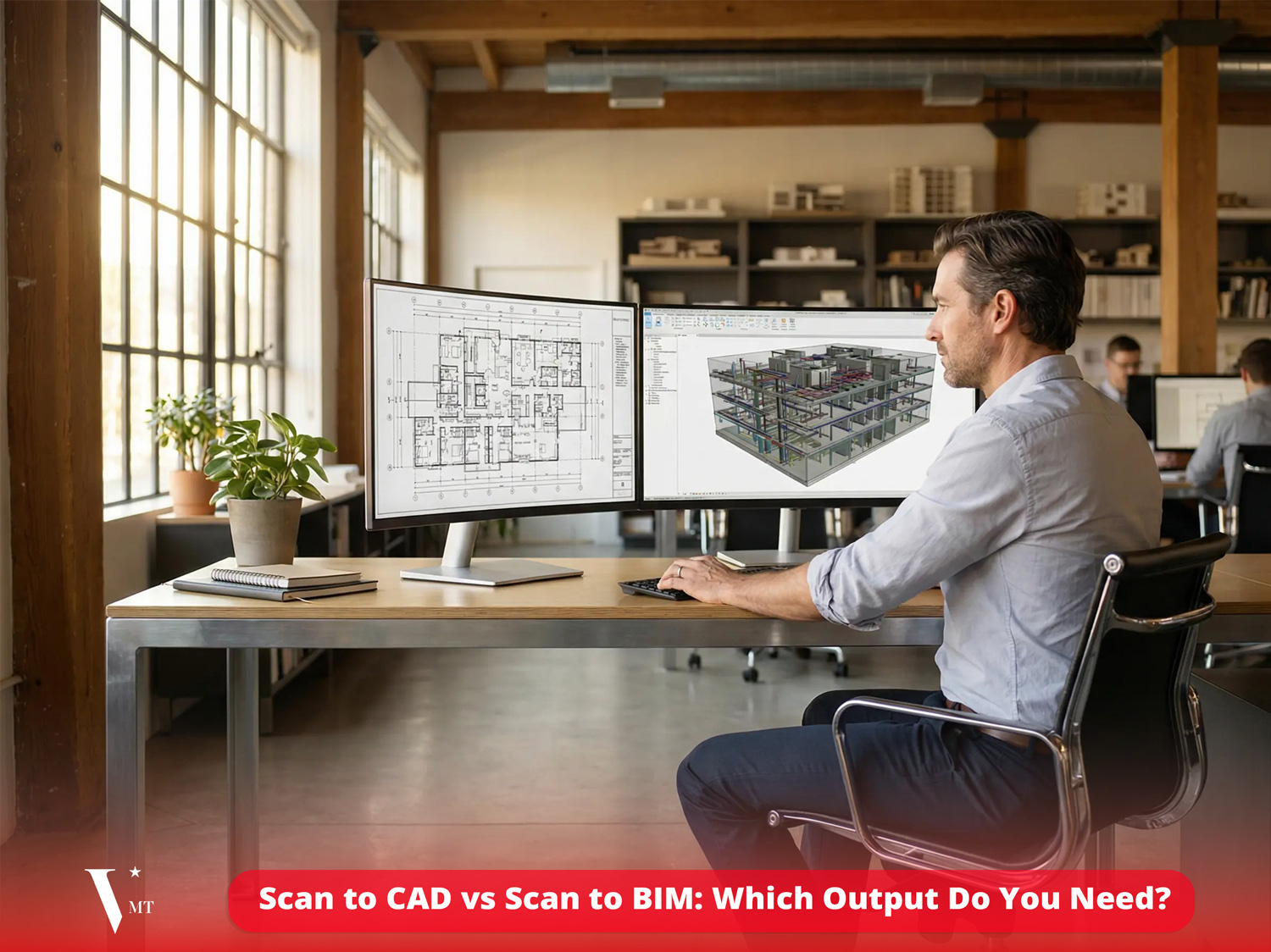
Table of Contents
TL;DR: A fast decision guide
- Choose Scan to CAD if you mainly need 2D drawings (plans/sections/elevations), quick documentation, and geometry for drafting.
- Choose Scan to BIM if you need a structured model for coordination, renovation design, quantity takeoff, or downstream BIM workflows.
- Choose a hybrid if you want to start with drawings now and keep the option to upgrade to BIM later using the same point cloud as a single source of truth.
What you actually get: outputs and deliverables
Scan to CAD deliverables
Scan to CAD typically means converting your point cloud into 2D CAD drawings and/or a simplified 3D CAD representation. Deliverables often include:
- 2D DWG/DXF: floor plans, roof plans, elevations, sections
- Key dimensions, grids, and reference levels (as specified)
- Optional: simplified 3D CAD (surfaces/solids) for context
- Point cloud delivery (E57/RCP/RCS/LAS) as reference
What Scan to CAD is great at: clear, fast documentation for teams who work primarily in 2D—architects, surveyors, permit packages, or contractors who need reliable drawings without the overhead of full BIM.
Scan to BIM deliverables
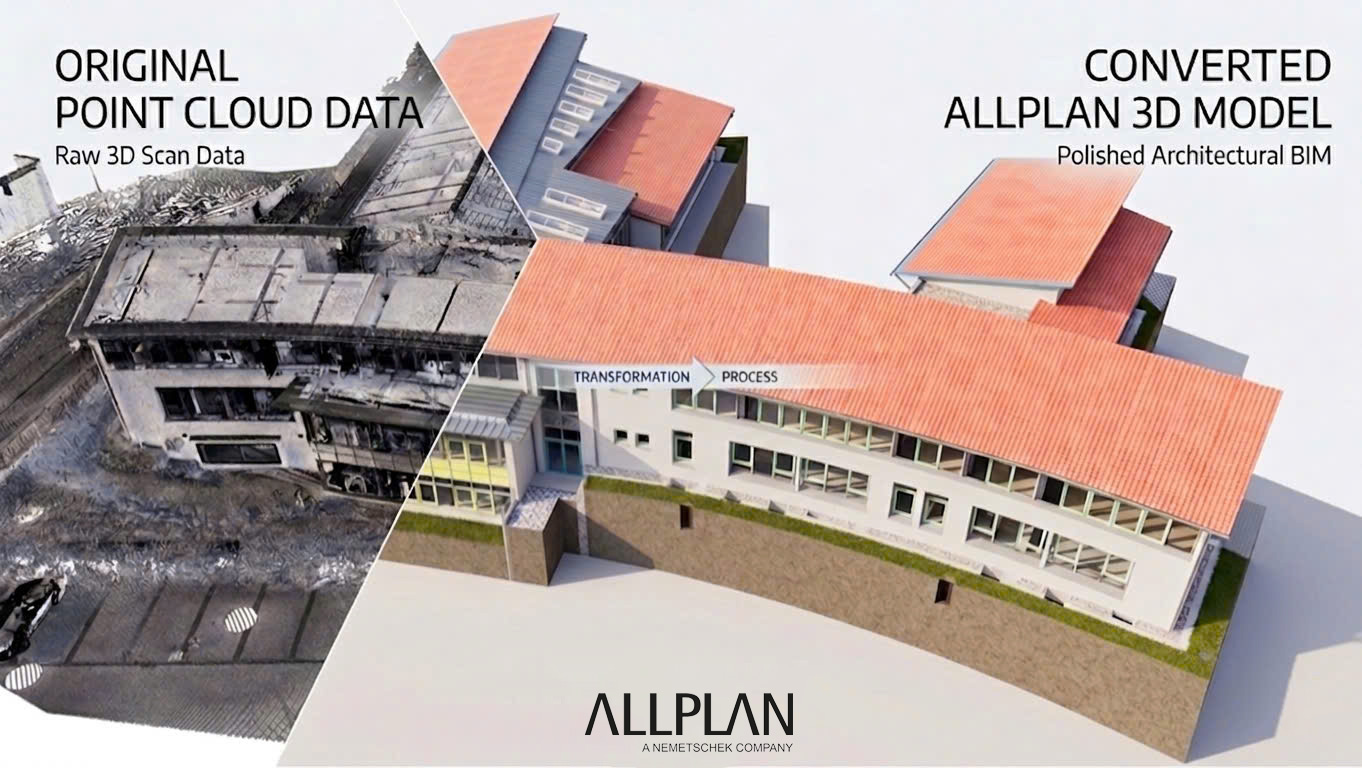
Scan to BIM goes beyond drawings. The point cloud is converted into a structured BIM model that can be used for coordination and information management. Deliverables may include:
- BIM model file: Revit / Archicad / Allplan / other (as requested)
- IFC export for openBIM workflows (optional but recommended)
- Defined LOD/LOI (Level of Detail / Level of Information)
- Model structure: categories, naming rules, classification, parameters (as specified)
- QA/QC report or tolerance statement (optional)
- Point cloud delivery (E57/RCP/RCS/LAS) as reference
What Scan to BIM is great at: renovation design, multi-discipline coordination (especially MEP), clash avoidance, accurate quantities (when scoped), and lifecycle use when information matters.
Quick Comparison: Scan-to-CAD vs Scan-to-BIM
| Criteria | Scan-to-CAD | Scan-to-BIM |
|---|---|---|
| Output | 2D/3D CAD (DWG/DXF), as-built drawings | BIM model (Revit/IFC/Allplan/Archicad…), structured data |
| Primary goal | Fast as-built documentation, permits/tendering, measurement checks | Coordination, complex renovation/design, lifecycle use |
| Information level | Mainly geometry | Geometry + information (LOD/LOI), classification, parameters |
| Time / cost | Usually lower | Usually higher due to modeling + information structuring |
| Best when | “Need drawings fast” | “Need an information model” |
Scan to CAD: when it’s the best choice
Scan-to-CAD is often the right output when your project needs fast, reliable as-built documentation and your team primarily works in 2D.
Common Scan to CAD scenarios
- Permits and tender packages: you need clean plans/sections quickly
- Existing building documentation: the old drawings are missing or unreliable
- Construction verification: you need measurement-ready drawings for checks
- Basic layout coordination: simple fit-out or space planning
- Budget or timeline constraints: drawings deliver value faster than full modeling
Why Scan to CAD can be more efficient
A full BIM model requires more interpretation, object creation, and rule-based structure. If your deliverable is ultimately a set of 2D drawings, Scan-to-CAD avoids paying for information you won’t use.
Typical pitfalls when choosing Scan to CAD (and how to avoid them):
- Unclear drawing scope → Specify exactly which plans/sections/elevations you need.
- No tolerance requirement → Define measurement tolerance (e.g., ±10 mm, ±20 mm) depending on use.
- Overloading drawings → Decide whether you need “clean architectural” drawings or detailed fabrication-level drawings.
Scan to BIM: when it’s worth it
Scan to BIM becomes the better investment when you need more than geometry when you need a model that supports decisions, coordination, and downstream workflows.
Common Scan to BIM scenarios
- Renovation and retrofit: existing conditions must be modeled accurately for design
- MEP coordination: you need to avoid clashes and coordinate complex systems
- Multi-stakeholder projects: architects, engineers, contractors need a shared model
- Phased design: the model evolves and stays useful across stages
- Asset/facility needs: information structure matters (spaces, systems, IDs)
What drives Scan to BIM cost (and why this is normal)
Scan to BIM isn’t “drawing in 3D.” A usable BIM model requires:
- Clear modeling scope (what is included/excluded)
- Defined LOD/LOI targets (detail + information level)
- Rules for naming, categories, classification, and parameters
- QA/QC for geometry and consistency
If any of these are missing, the result is often a “pretty 3D model” that teams can’t reliably use. That’s also why some projects feel like they “paid for BIM but still had to redo it.”
The decision checklist: ask these 8 questions
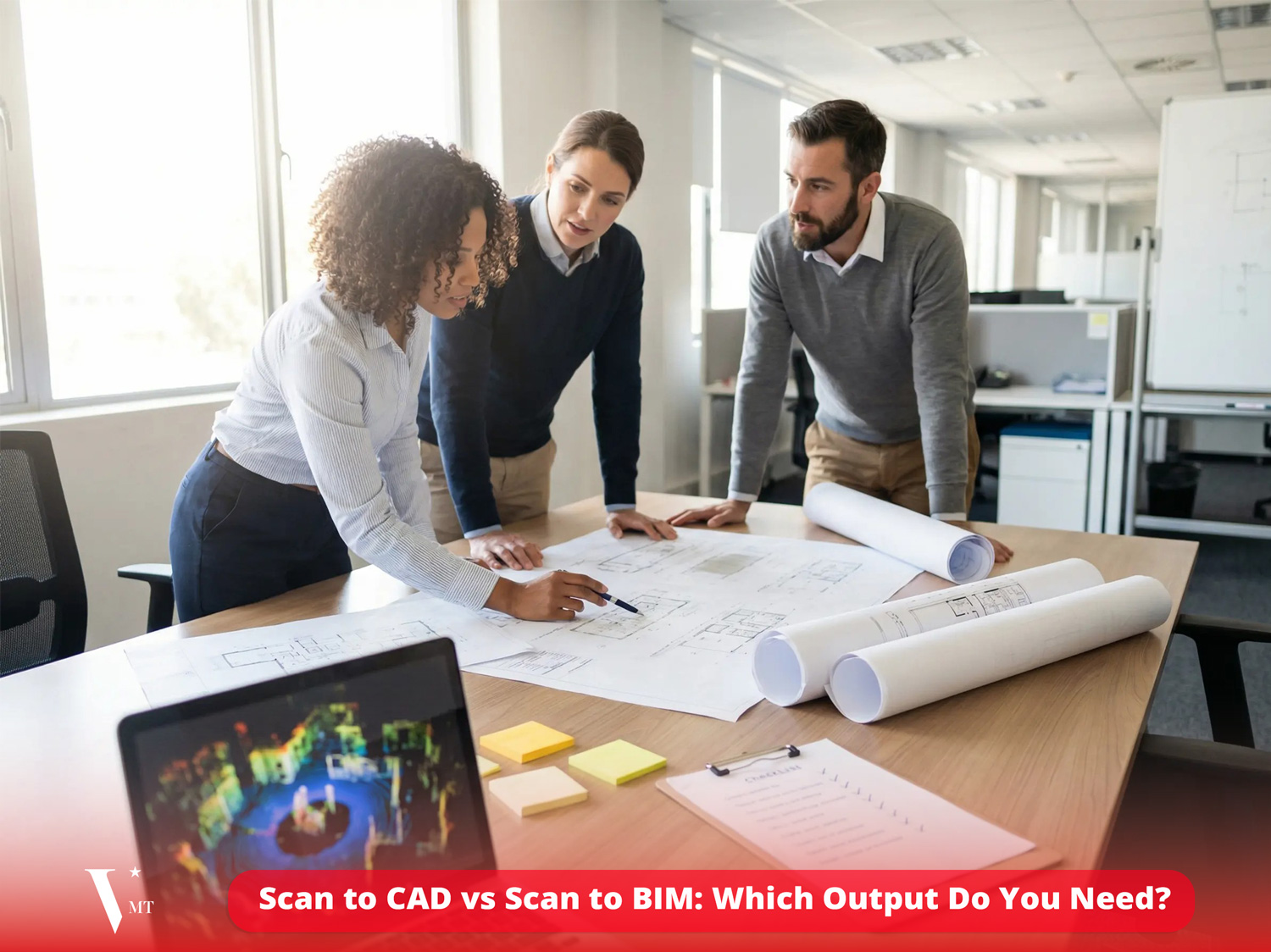
- What is the primary goal? Permit/tender drawings → CAD. Coordination/design decisions → BIM.
- Who will use the output? Mostly 2D users → CAD. Multi-discipline BIM users → BIM.
- Do you need structured information? If you need categories, parameters, asset IDs → BIM.
- How complex are MEP and systems? High complexity → BIM is safer.
- What level of detail is required? Basic layouts → CAD. Element-level modeling with rules → BIM.
- What formats are mandatory? DWG only → CAD. IFC/Revit/Allplan model → BIM.
- What accuracy tolerance is needed? Tight tolerance + coordination → BIM (with strong QA/QC).
- Do you need future scalability? If yes, consider Hybrid: start CAD + keep upgrade path to BIM.
Rule of thumb: If decisions depend on relationships between elements (clearances, clashes, systems routing, discipline coordination), you likely need BIM. If decisions depend on documentation (plans/sections) and quick reference, CAD is often enough.
Hybrid approach: start with CAD, upgrade to BIM later
Many teams don’t need a full BIM model on day one but they still want a reliable foundation.
A practical strategy is to:
- Deliver Scan-to-CAD drawings early for permits/tendering, and
- Keep the point cloud as the single source of truth, so you can upgrade to BIM later without rescanning.
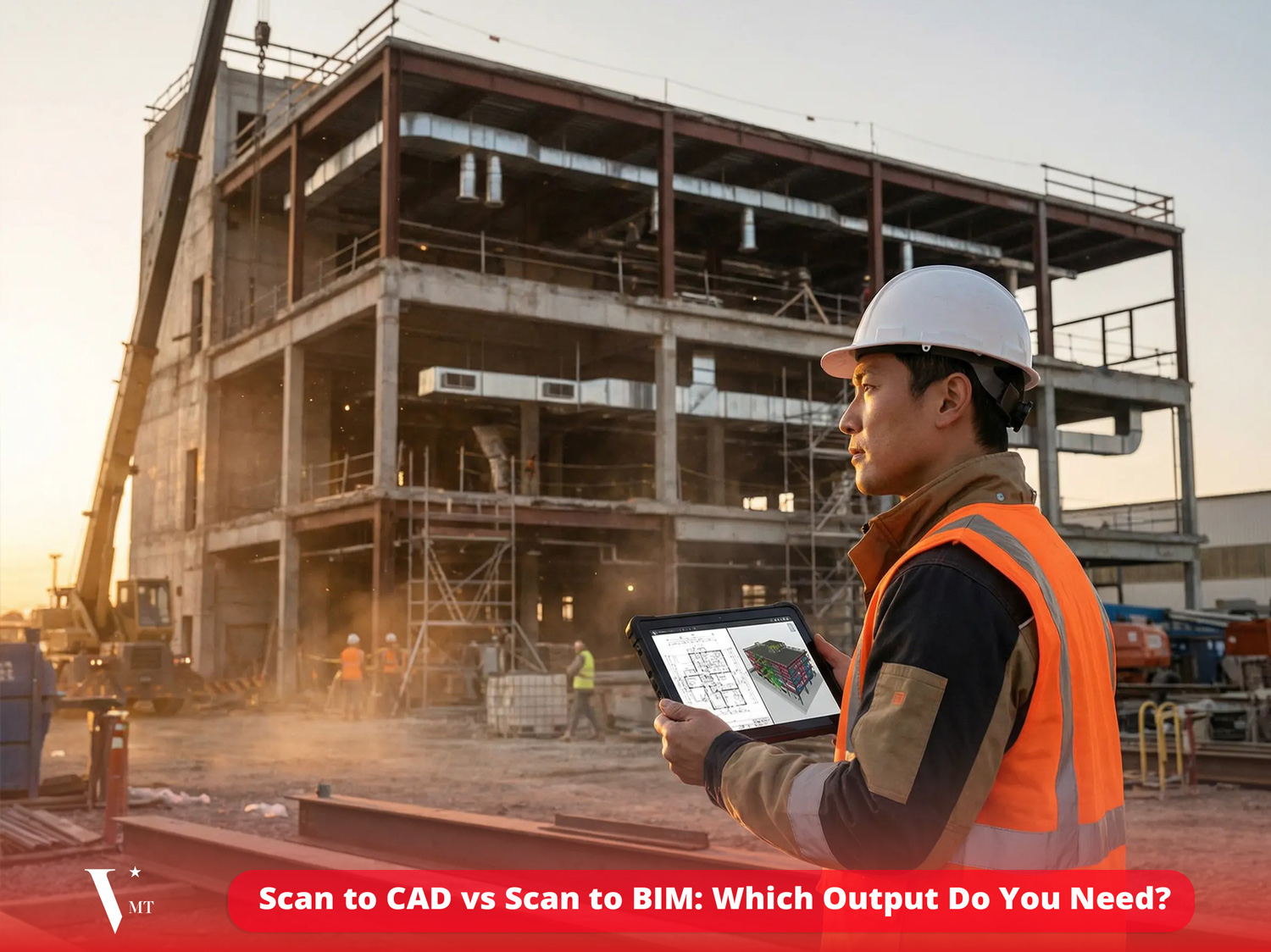
This approach reduces initial cost while protecting you from rework when the project scope expands (which happens more often than teams expect).
How to specify your requirements (so you don’t pay twice)
Whether you choose CAD or BIM, your specification should include the essentials below. A good brief often saves more money than “negotiating the price.”
1) Define deliverables clearly
- For CAD: which drawings (plans/sections/elevations), scale, layering, annotation needs
- For BIM: software/platform, IFC requirement, disciplines included, LOD/LOI targets
2) State accuracy tolerance and coordinate system
- Required tolerance (e.g., ±10 mm / ±20 mm) based on use case
- Project coordinate system, reference points, and elevation datum
3) Define modeling scope (especially for BIM)
- What is included/excluded (structure, architecture, MEP, equipment, ceilings, etc.)
- How to handle occlusions or areas with missing scan data
4) Request QA/QC reporting
Even a simple QA/QC summary (tolerance, checks performed, known limitations) reduces risk and helps your downstream team trust the output.
FAQ
What is Scan-to-CAD?
Scan-to-CAD is the process of converting a point cloud into 2D/3D CAD deliverables most commonly DWG drawings such as plans, sections, and elevations.
What is Scan-to-BIM?
Scan-to-BIM is the process of converting point cloud data into a structured BIM model with defined elements, relationships, and (when required) information attributes.
Is Scan-to-BIM always better than Scan-to-CAD?
No. BIM is not “better” by default – BIM is more valuable when you need coordination, structured information, and model-based workflows. If you only need drawings, CAD is often the smarter output.
Can we start with Scan-to-CAD and move to BIM later?
Yes. Many teams use a hybrid strategy: deliver CAD drawings early, keep the point cloud as the reference, and upgrade to BIM later if coordination or lifecycle needs expand.
What file formats should we request?
For CAD, DWG/DXF are common. For BIM, request the native model format (as required) and consider adding IFC for interoperability. Always include the point cloud format your team uses (E57/RCP/RCS/LAS).
What is the biggest mistake when ordering outputs?
The biggest mistake is ordering “BIM” without defining LOD/LOI and scope—or ordering “CAD” when you actually need coordination between disciplines. Both cases often lead to rework.
Need help deciding? Talk to VMT Solutions
If you share your project goal, stakeholders, and required formats, we can recommend the most cost-effective output—Scan-to-CAD, Scan-to-BIM, or a hybrid approach—and define a clear deliverables list with realistic tolerances.
Contact VMT Solutions to discuss your scan data, deadlines, and output requirements.
Nguyen Huynh (Rainer)

About the Author:
Nguyen Huynh (Rainer) is Managing Director at VMT Solutions, specializing in Point Cloud to BIM workflows for surveying, planning, and engineering offices. He focuses on precise BIM models, clearly defined quality standards, and long-term technical partnerships.
Related Posts



Recent Posts

Tag Cloud
We are proud to have
satisfied customers.

 Gerd Gindullis, Lecturer for digital as-built data capture at Aachen University of Applied Sciences, TerraMeta 3D Laser Service
 Stefan Schramm, Architekt Stefan Schramm
„Your plans are perfect; I’ve never seen anything like this before. These are drawings of the highest quality, I must say. I want to express my sincere thanks once again for your work.“
 Endre Szokolai, Digitalplan-Szokolai
VMT modeled a large industrial building in 3D for our research project. We provided DWG plans to VMT, and they delivered a highly detailed model, including the building envelope, interior walls, openings, and stairs. We had previously contracted a German company for the same object, but unfortunately, it didn’t work out. I was relieved and pleased that VMT handled it so reliably. Thank you for the excellent work and the truly fair price!

Very reliable company, courteous staff, and top-quality work. Our plans were created quickly and accurately. Thank you for that. Highly recommended.

Excellent advice and high 3D modeling quality at a great price-performance ratio… What more could you want? I can highly recommend them…